
TSV to CSV conversion using Java REST API.
Converting TSV (Tab-Separated Values) to CSV (Comma-Separated Values) is essential for data compatibility across diverse applications and systems. While TSV is common for tabular data, many tools and platforms prefer the universally supported CSV format. By converting TSV to CSV, you improve data interoperability, simplify processing, and enable seamless integration with spreadsheets, databases, and web services.
API for TSV to CSV Conversion
Converting TSV to CSV using Java REST API with Aspose.Cells Cloud SDK for Java provides a simple, high‑performance solution for data transformation. This SDK lets developers easily convert TSV files into the widely supported CSV format, ensuring compatibility with spreadsheets, databases, and analytical tools. Its RESTful design integrates smoothly across platforms, while cloud scalability delivers fast performance for large‑scale conversions.
Installation
Please add the following details to pom.xml file of maven build project.
<repositories>
    <repository>
        <id>AsposeJavaAPI</id>
        <name>Aspose Java API</name>
        <url>https://repository.aspose.cloud/repo/</url>
    </repository>
</repositories>
<dependencies>
    <dependency>
        <groupId>com.aspose</groupId>
        <artifactId>aspose-cells-cloud</artifactId>
        <version>24.9</version>
    </dependency>
</dependencies>
- You can download the latest version from the Aspose Repository.
Now, we need to obtain our client credentials from cloud dashboard. If you do not have an existing account, simply create a free account by following the instructions specified in the quick start article.
Convert TSV to CSV in Java
The following section provides the details on how to convert a TSV to CSV format using Java code snippet:
CellsApi api = new CellsApi(clientId,clientSecret);
Create an instance of CellsApi while providing client credentials as input arguments.
api.uploadFile("input.tsv", file, "internal");
Upload the source TSV to the cloud storage using uploadFile(…) method.
File response = api.cellsWorkbookGetWorkbook(name,  password,format,
			isAutoFit, onlySaveTable, null,"internal",  "myResultant.csv","internal", null);
Finally, call the method cellsWorkbookGetWorkbook(…) to initiate the conversion operation.
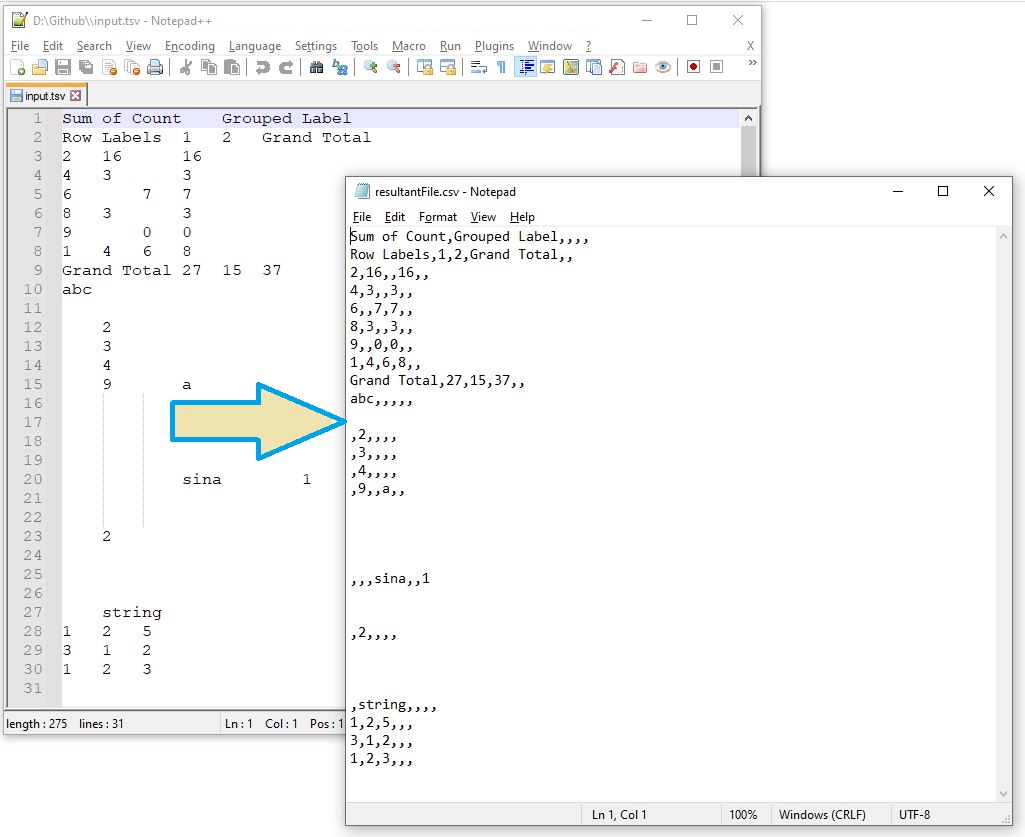
A preview of TSV to CSV conversion.
The sample files used in the above example can be downloaded from input.tsv and resultantFile.csv.
TSV to CSV Conversion using cURL Commands
The conversion of TSV to CSV using Aspose.Cells Cloud and cURL commands is a straightforward and effective approach for automating data transformations. This method lets you upload a TSV file to Aspose.Cells Cloud, specify CSV as the output format, and download the converted file—all via simple RESTful API calls with cURL. It’s ideal for automating repetitive tasks, streamlining workflows, and integrating into broader applications.
The first step is to generate a JWT access token:
curl -v "https://api.aspose.cloud/connect/token" \
 -X POST \
 -d "grant_type=client_credentials&client_id=XXXXXXX-b195-426c-85f7-XXXXXXXX&client_secret=XXXXXXXXXXXXXXXXXXXXXXXXX" \
 -H "Content-Type: application/x-www-form-urlencoded" \
 -H "Accept: application/json"
After obtaining the JWT token, run the following command to convert TSV to CSV:
curl -v "https://api.aspose.cloud/v3.0/cells/{sourceFile}/SaveAs?newfilename={myResultant}&isAutoFitRows=false&isAutoFitColumns=false&checkExcelRestriction=false" \
-X POST \
-H "accept: application/json" \
-H "authorization: Bearer {accessToken}" \
-H "Content-Type: application/json" \
-d "{ \"SaveFormat\": \"json\",}"
If you prefer to save the resultant CSV locally, use this command:
curl -v "https://api.aspose.cloud/v3.0/cells/resultantFile.json?format=CSV&isAutoFit=false&onlySaveTable=false" \
-X GET \
-H "accept: application/json" \
-H "authorization: Bearer {accessToken}" \
-o "output.json"
Replace sourceFile with the name of the input TSV file stored in the cloud, myResultant with the desired CSV filename, and accessToken with the JWT token generated above.
Free TSV to CSV Converter
We also recommend you try our free TSV to CSV Converter. This lightweight, high‑performance web app is built on Aspose.Cells Cloud and lets you experience the power of the REST API directly in the browser.
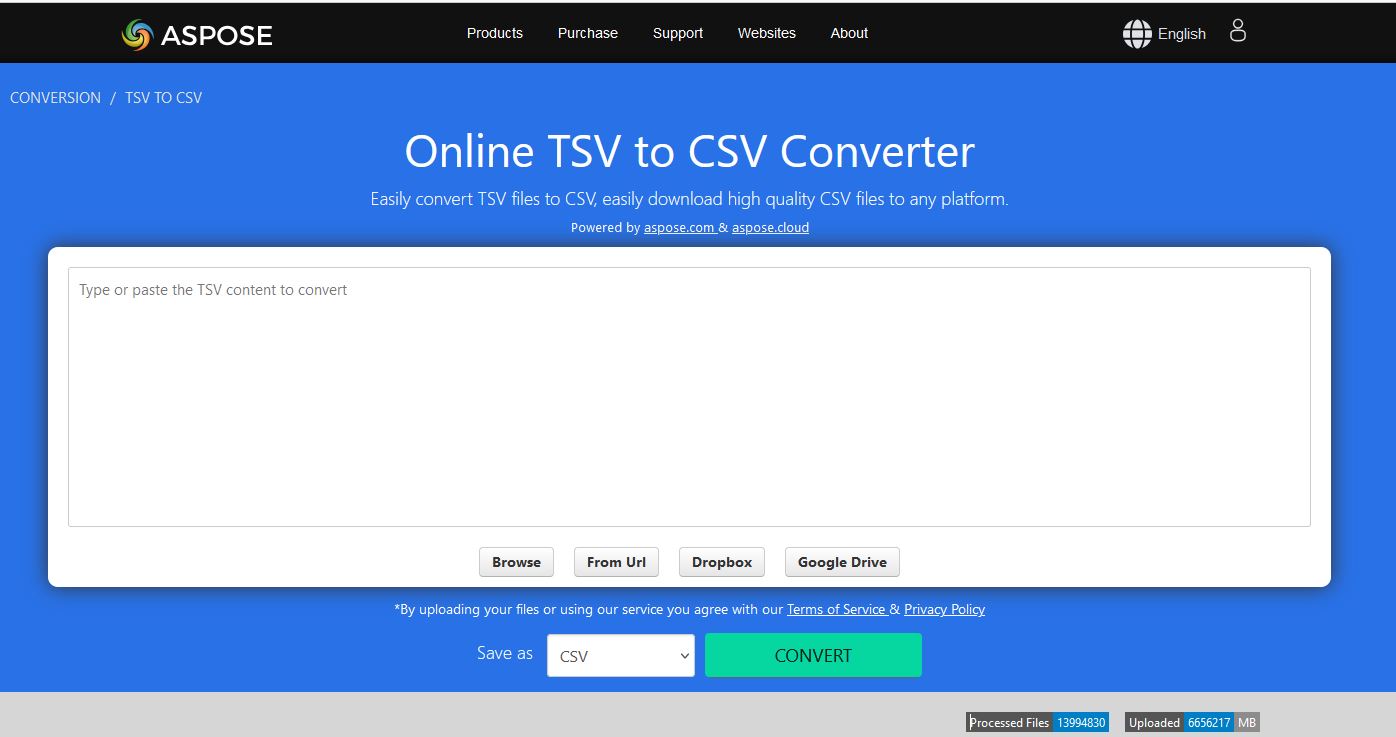
A preview of TSV to CSV converter App.
Conclusion
In conclusion, whether you convert TSV to CSV using the Aspose.Cells Cloud SDK for Java or via cURL commands, both methods deliver reliable, efficient data transformation. Leveraging Aspose.Cells Cloud simplifies workflows, saves time, and boosts productivity—making it an essential tool for modern data processing.
Useful Links
Related Articles
We highly recommend visiting the following links to learn more about: